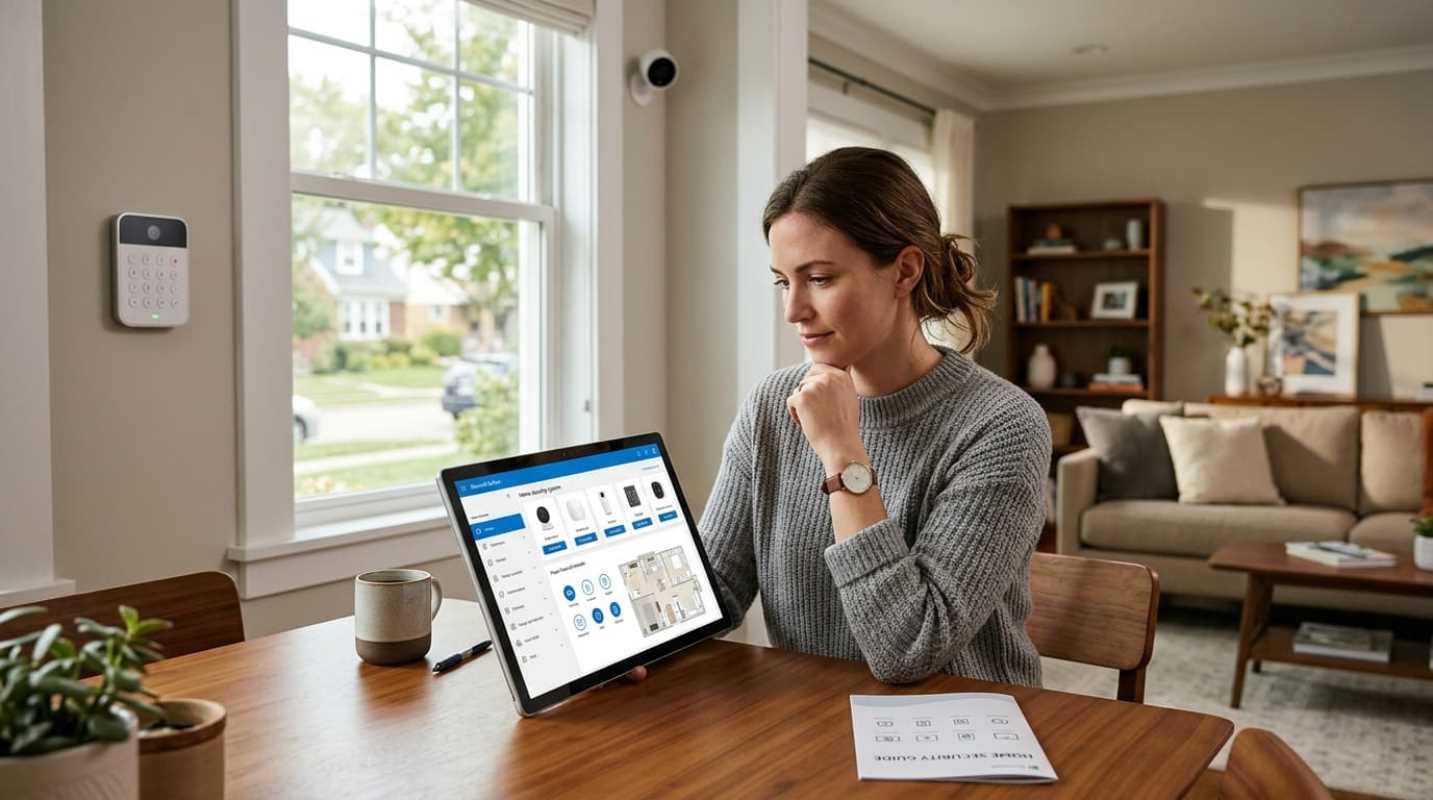
Shopping for a home security system can quickly feel like weighing tons and tons of options. You jump online hoping for a simple recommendation, and suddenly you are staring at dozens of brands, complex feature lists, and pushy sales pitches. It is easy to feel frozen by all the choices. Here is the good news: taking control of your home safety is much easier than it used to be. You do not need an engineering degree or thousands of dollars to protect what matters most. Today's security tech gives you complete control over how you guard your space.
The actual protection value is real, too. Research shows that having a visible security system deters up to 60% of potential burglars.¹ On top of that, over 61% of U.S. households now use at least one security camera.² Protecting your home is no longer a luxury reserved for massive estates, it is a standard part of modern homeownership.
Smart vs. Traditional Security Systems: What Fits Your Lifestyle
One of the first forks in the road is deciding between a DIY smart system and a traditional professional setup. The security industry has changed dramatically over the last few years, and setup preferences have shifted right along with it.
In fact, roughly 49% of homeowners now choose to install their own security hardware, compared to 42% who hire a professional technician.³ DIY systems rely on peel-and-stick sensors, wireless keypads, and sleek mobile apps. You can unbox the gear and set up your whole home in less than an hour.
Traditional setups, on the other hand, usually involve hardwired sensors and professional installation. They take longer to put in, but they offer custom sensor placement without you having to lift a finger.
So how do you choose? Ask yourself a few simple questions about your living situation and comfort level:
• Your technical comfort: Do you enjoy tweaking app settings and sticking wireless sensors to doorframes? A DIY setup is right up your alley. If tech frustrates you, professional installation might save you a headache.
• Your housing status: Renters and frequent movers usually prefer DIY systems. Taking down peel-and-stick sensors takes five minutes, and you won't face lease penalties for drilling holes.
• Your contract preference: Traditional companies often require 36-month contracts. Smart DIY systems let you skip contracts completely, which appeals to the 71% of buyers who prefer paying month-to-month.
Navigating Monitoring Options: Professional vs. Self-Monitoring
Once you pick hardware, you need to decide who watches the alarm. Your two main choices are 24/7 professional monitoring or self-monitoring through your phone.
Professional monitoring connects your system to a central station staffed around the clock. When a sensor triggers, agents check in on your home immediately. Top monitoring centers average emergency response dispatch times between 28 and 45 seconds. If you are fast asleep, out on a flight, or completely unreachable, they send emergency aid for you.
Self-monitoring puts you in the driver's seat. When a camera spots movement or a door opens, your smartphone buzzes with a notification. You look at the video feed and decide whether to call emergency services.
The main perk of self-monitoring is saving money. Professional monitoring costs between $20 and $60 every month, while self-monitoring costs next to nothing. But self-monitoring carries human risks. If your phone battery dies, your signal drops, or you leave your device on silent during a movie, an alarm alert could pass right by you.
To help you narrow down your options, consider these leading market choices:
• SimpliSafe: A flexible hybrid choice that offers quick DIY setup alongside optional, contract-free 24/7 professional monitoring.
• ADT: The classic choice for traditional, professionally installed protection backed by redundant monitoring centers across the country.
• Vivint: Ideal for tech lovers who want custom professional installation paired with advanced smart home automation and built-in deterrent cameras.
• Ring Alarm: A budget-friendly DIY setup that integrates effortlessly into Amazon Alexa households.
• Abode: Built for smart home enthusiasts who want native support for Apple HomeKit, Z-Wave, and Zigbee devices.
• Eufy and TP-Link Tapo: Great choices for zero-subscription video surveillance with encrypted local storage.
Mastering the Cost vs. Coverage Tradeoffs
Protecting your home effectively is not about buying every bell and whistle on the market. It comes down to smart coverage that fits your budget.
You need to balance upfront hardware costs with long-term monthly subscriptions. Basic DIY starter kits run between $150 and $350 upfront, with monthly costs hovering between $0 and $20. Traditional professionally installed packages start around $500 to $1,500 for hardware, paired with $30 to $60 monthly fees.
When building your package, focus on your outer perimeter first before adding interior extras:
• Needed entry points: Secure ground-floor doors and accessible windows with basic contact sensors first. Intruders target entry points, so securing these areas provides immediate defense.
• Perimeter deterrence: Video doorbells and outdoor spotlight cameras act as instant stop signs. Over 37% of American homes now use video doorbells because catching a threat outside beats catching a trespasser inside.
• Optional add-ons: Motion detectors, glass-break sensors, and environmental monitors (like water leak or carbon monoxide detectors) are great additions, but you can add them gradually as your budget allows.
Features to Look For
Technology in home hardware moves fast. If you are shopping today, several key features make a massive difference in daily convenience and emergency reliability.
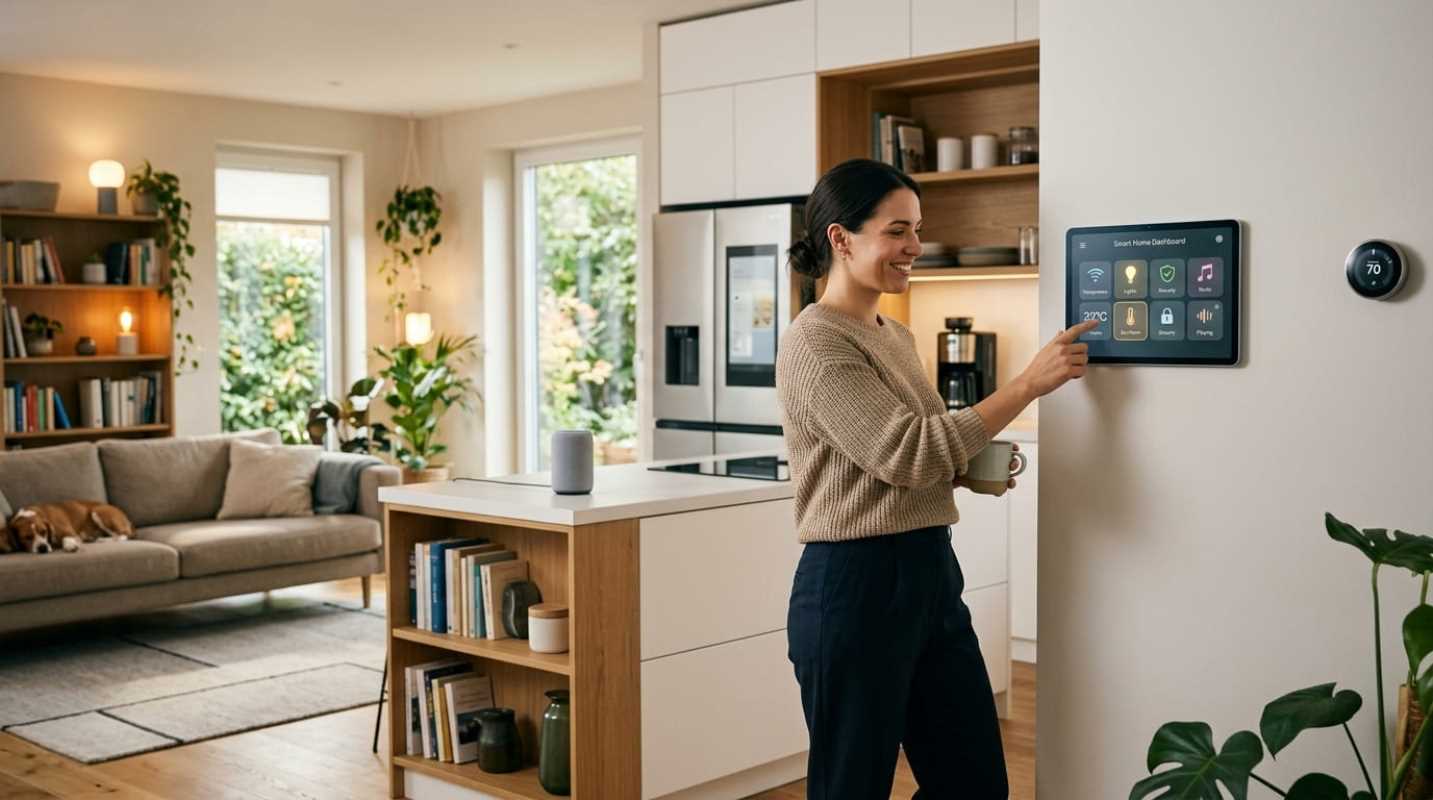
First, check smart home ecosystem compatibility. You want a system that talks smoothly with your existing smart devices. Look for compatibility with platforms like Amazon Alexa, Google Home, or Apple HomeKit, as well as modern connectivity standards like Matter and Thread. Being able to set automations, like locking your front door when you arm your security system, makes daily life much smoother.
Second, insist on hardware redundancy. Standard Wi-Fi connections can fail during power outages or internet disruptions. Look for base stations equipped with cellular backup and rechargeable battery backup. That way, your home stays connected to monitoring networks even during severe weather or when power lines are cut or down.
Finally, pay close attention to video storage and privacy settings. Decide whether you prefer cloud video backup or local storage via microSD cards and hub drives. Brands like Eufy process AI detection right on the device, keeping your video clips off external servers while saving you from paying monthly storage fees.
Making Your Final Security Decision
Choosing the right setup comes down to matching your equipment to your actual daily routine rather than falling for brand advertising.
Here is a simple framework to guide your purchase:
• Choose DIY smart systems: Pick brands like SimpliSafe, Ring, or Abode if you rent, live in a smaller home, plan to move soon, or want total contract flexibility.
• Choose traditional professional setups: Pick companies like ADT or Vivint if you own a larger multi-story home, travel frequently, or want a completely hands-off installation experience.
• Choose subscription-free options: Pick brands like Eufy or TP-Link if your primary goal is camera surveillance without recurring monthly costs.
Take a clear look at your floor plan, decide on your monthly budget, and pick the system that lets you sleep soundly at night. Taking step-by-step control of your home safety is one of the best investments you can make for your everyday peace of mind.
Sources:
1. security.org
https://www.security.org/home-security-systems/do-i-need-one/
2. safehome.org
https://www.safehome.org/resources/home-security-industry-annual/
3. security.org
https://www.security.org/resources/diy-home-security-study/